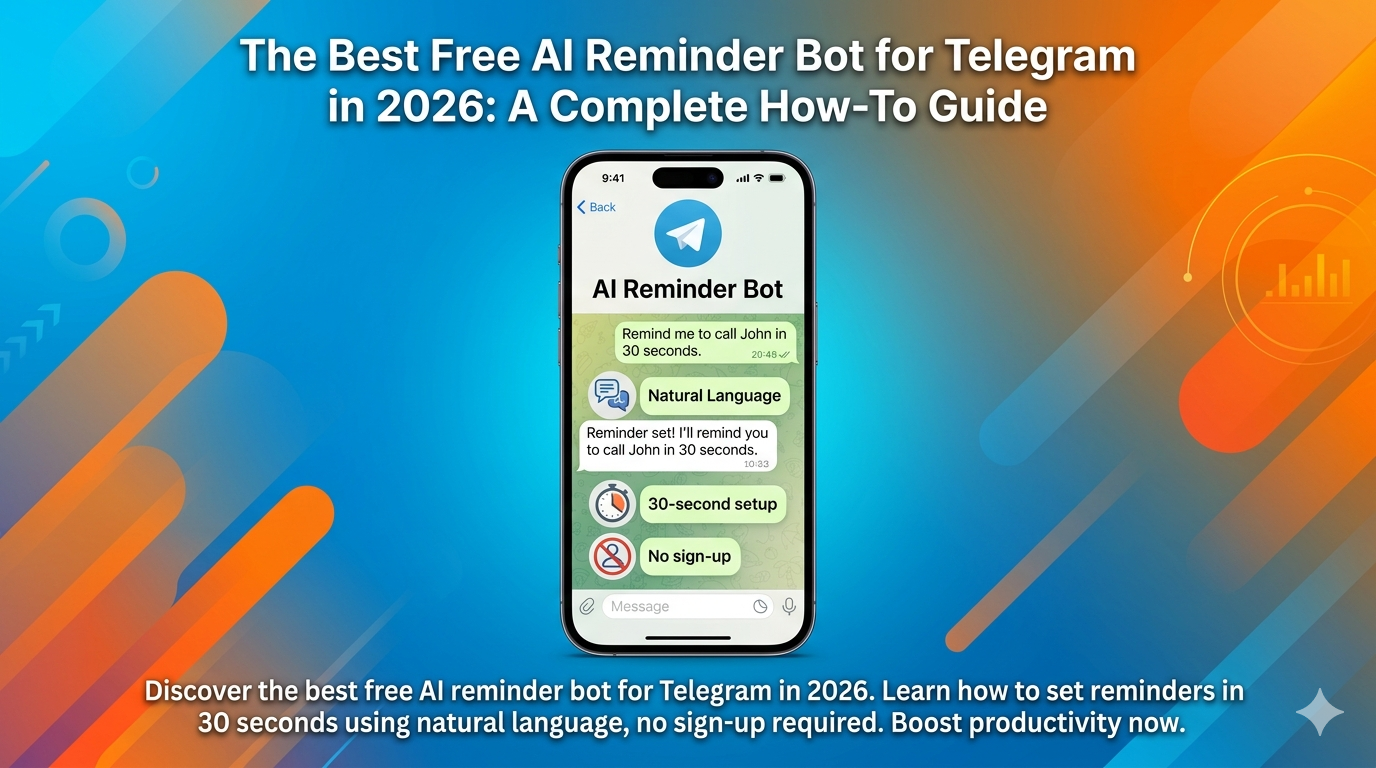

Discover the best free AI reminder bot for Telegram in 2026. Learn how to set reminders in 30 seconds using natural language, no sign-up required. Boost productivity now.
The Best Free AI Reminder Bot for Telegram in 2026: A Complete How-To Guide
Juggling a calendar, a to-do app, and a notes widget to remember a meeting feels like spinning plates. In 2026, our work happens in chats and streams, yet most productivity tools still lock us into separate, rigid apps. That constant switching doesn’t just waste time—it shatters focus and lets tasks slip through the cracks.
What if your reminder system lived exactly where your conversations already happen? Imagine setting an alert as easily as texting a friend: no new app, no forms, no timezone math. This guide walks you through using the best free AI reminder bot for Telegram in 2026 to make that real. You’ll see how an AI-powered service turns casual speech into reliable prompts, saving time and clearing mental clutter right inside Telegram and Discord.
Why App-Based Reminders Are Failing Busy People in 2026
Traditional reminder apps have a fundamental flaw: they demand your exclusive attention. They sit in their own silo, creating a productivity paradox. To schedule a task related to your current work, you must stop and open another app. That context switch kills your flow and adds pointless friction.
For busy professionals, content creators, and remote managers, this model is broken. A developer in a code editor shouldn’t have to jump to a calendar app just to set a follow-up reminder. An influencer planning posts needs reminders woven into their creative flow, not buried in a generic list. Managing multiple dedicated apps for simple alerts burns mental energy modern workflows can’t afford.
These apps also struggle with asynchronous work. Manually calculating time zones for a distributed team or fumbling with a date picker for “next Tuesday” leads to frustrating errors. Notifications from standalone apps get lost in the noise, competing with the primary channels where your actual work and life unfold. Efficiency in 2026 means integration, not isolation.
Why are traditional reminder apps inefficient?: Traditional reminder apps create friction by forcing users to switch contexts into a separate application, breaking workflow focus. They also lack native integration with the chat-based platforms where modern work and communication primarily occur, leading to missed alerts and manual timezone management errors.
AI vs. Traditional Apps: It’s a Different Language
The gap between an AI reminder service vs. traditional to-do list app isn’t about features—it’s a fundamental shift in communication. Traditional apps speak the language of databases: structured forms with mandatory fields. AI-powered bots speak your language: natural, conversational English.
The Traditional App Workflow: Forms, Fields, and Friction
Using Todoist or Microsoft To Do follows a predictable pattern. Open the app, tap “+”, and face a form. You fill distinct fields: task title, due date (tapping through a calendar), time, and maybe labels. Every tap is a point of friction and potential error. It feels like administrative paperwork.
The AI Bot Workflow: Just Say It
Now try an AI bot like Remind Me. The interface is your existing Telegram or Discord chat. To set a reminder, type a message as if telling an assistant: “remind me to send the client proposal tomorrow at 2 pm.” Or, “ping our design team channel about the assets every Monday at 10 am EST.” The AI parses your intent, extracts the task, time, and frequency, then confirms—all in seconds, without leaving your conversation. This isn’t an upgrade; it’s a complete rethinking from structured data entry to intuitive conversation.
What is the core difference between AI and traditional reminder apps?: The core difference is the interface: traditional apps require structured data entry into forms, while AI bots use Natural Language Processing (NLP) to understand conversational commands directly within messaging platforms. This eliminates app-switching and reduces creation time to seconds.
What is Natural Language Processing for Reminders? (NLP Explained)
What is natural language processing for reminders? Simply put, it’s the technology that lets a computer understand human language like a person would. Instead of needing specific commands or menu picks, NLP lets the bot interpret the meaning, context, and intent behind your casual phrases.
For reminders, this changes everything. You’re no longer boxed in by form fields. The bot understands relative time (“in 2 hours,” “next Friday”), complex scheduling (“every other Tuesday”), and contextual cues (“15 minutes before my 4 pm Zoom call”). It figures this out from your everyday language. Where a traditional app might need three separate inputs for a recurring, pre-meeting alert, an NLP-powered bot understands one fluid sentence: “remind me 15 minutes before my weekly team sync every Wednesday.” Reminder creation stops being a chore and becomes a natural extension of your thinking.
How does NLP make setting reminders easier?: NLP allows users to set reminders by typing casual, conversational phrases as if speaking to a person. The technology automatically extracts the task, time, and recurrence intent from sentences like “remind me every Monday at 9 am,” removing the need to fill out separate date, time, and title fields in a traditional app form.
How to Set Reminders in Telegram & Discord in 30 Seconds Flat
How to set reminders in Discord without an app 2026—and in Telegram—comes down to three shockingly simple steps. This ease is what makes a service the best free AI reminder bot for Telegram in 2026. The whole system is built for zero friction.
Step 1: Find and Start Your Bot (Telegram & Discord)
No app to download from an external store. For Telegram, just search for the Remind Me bot inside the app and start a chat. For Discord, add the bot to your server with a few clicks via an authorization link. Critically, this needs no account sign-up. No new username, password, or profile. You interact instantly through your existing chat identity.
Step 2: Send Your First Natural Language Reminder
With the bot active, set reminders by typing to it directly or in any group chat/channel where it’s present. Just say what you need in plain English:
"remind me to call the accountant at 3 pm""ping me to post the Instagram reel tomorrow at 5 pm GMT""remind the #marketing channel about the campaign review every Thursday at 11"
The bot instantly parses this and replies with a clear, formatted confirmation of the task, time, and recipient.
Step 3: Confirm and Forget It
The bot replies with something like: “✅ I’ll remind you to ‘call the accountant’ tomorrow, March 15, at 3:00 PM local time.” That’s your verification. Once confirmed, close the chat and forget it. The reminder is set. When the time comes, the bot sends a direct message or a mention in the specified channel, pulling the task back to your attention exactly when and where you need it. From idea to confirmation, the whole process takes under 30 seconds inside the app you’re already using.
What’s Inside the Free Trial and How Do You Maximize It?
The Telegram bot reminder free trial no sign up is exactly that: immediate access to powerful features without any registration barrier. This makes it the best freeAI reminder bot for Telegram in 2026 for testing the core workflow. But what do you get, and how can you get the most value from it?
Typically, the free tier offers a generous number of active reminders (e.g., 10-20) and full access to the core NLP parsing engine. You can set one-time and recurring reminders for yourself or channels, all without spending a cent. The goal is to let you experience the fundamental shift in efficiency.
How to maximize your free trial:
- Integrate it into your most active channel. Add the bot to your primary project or team Discord server or Telegram group. This surfaces its utility in a real collaborative context.
- Test complex phrasing. Go beyond simple “remind me at 3 pm.” Try “remind me 10 minutes before my calendar event ‘Budget Meeting’ starts” or “ping the team every other Friday at 4 pm EST to submit timesheets.”
- Use it for personal and professional blur. Set a reminder to take a break, water the plants, or check in on a colleague—tasks that usually fall between the cracks of formal tools.
This hands-on period proves the value, making the case for upgrading to a premium plan for unlimited reminders, advanced features like timezone-aware team scheduling, or integrations.
The Ultimate Feature Checklist: What to Look for in 2026
Choosing the best free AI reminder bot for Telegram in 2026 means looking beyond the “free” label. The right service should offer a robust foundation. Use this checklist to evaluate your options:
| Feature Category | What to Look For | Why It Matters in 2026 |
|---|---|---|
| Core Functionality | Natural language parsing for one-time & recurring reminders, confirmation messages, reliable notifications. | This is the non-negotiable baseline. It must understand casual speech and execute flawlessly. |
| Platform Access | Native bots for both Telegram and Discord reminders 2026, with a consistent experience. | Your workflow isn’t confined to one app. A unified service across major chat platforms is essential. |
| Zero-Friction Start | Telegram bot reminder free trial no sign up—instant access via chat, no email or password required. | Eliminates the biggest barrier to trial. Value must be immediately demonstrable. |
| Collaboration Features | Ability to set reminders for channels/groups, mention teams, and support for multiple time zones. | Modern work is collaborative and asynchronous. The tool must facilitate team coordination, not just personal tasks. |
| Advanced Parsing | Understanding of contextual time (“after my meeting”), location-based triggers (“when I get home”), and calendar linking. | This is where AI truly shines, moving from simple date parsing to intelligent, context-aware assistance. |
Common Pitfalls and How to Avoid Them
Even the most intuitive tools have learning curves. Being aware of common hiccups can help you get reliable results faster.
- Ambiguous Time Phrases: While NLP is powerful, phrases like “later” or “tomorrow morning” can be ambiguous. Best practice: Be specific. “In 2 hours” or “tomorrow at 10 am” gives the AI clear data to work with.
- Timezone Confusion: For team reminders, explicitly stating the timezone (e.g., “3 pm PST”) ensures everyone gets the alert correctly. The best bots will default to your chat’s local time but allow for overrides.
- Overloading the Free Tier: The free plan has limits. If you find yourself constantly hitting the cap on active reminders, it’s a sign the tool is providing real value—and time to consider an upgrade for uninterrupted use.
- Not Using it in Channels: The biggest mistake is using the bot only in private DM. Its real power is in group channels for stand-ups, deadlines, and collaborative prompts, transforming it from a personal assistant into a team coordination hub.
Conclusion: Your Workflow, Uninterrupted
The search for the best free AI reminder bot for Telegram in 2026 is ultimately a search for focus. It’s about finding a system that respects your time and cognitive energy by integrating seamlessly into the digital spaces where your life and work already happen. By choosing a service that masters natural language, requires no sign-up, and works across Telegram and Discord, you eliminate the friction of traditional apps. You move from managing a reminder system to simply telling it what you need in plain English.
This isn’t just a minor productivity hack; it’s a fundamental upgrade to how you orchestrate your time and attention. Start with the free trial, experience the 30-second reminder setup, and feel the mental clutter begin to clear. In 2026, efficiency isn’t about more apps—it’s about smarter, more conversational tools that work where you do.